
AI Art Frame
Stream Deck Plugin
Effortlessly curate, browse, and switch digital masterpieces on your SwitchBot AI Art Frame directly from your Elgato Stream Deck keys and dials.
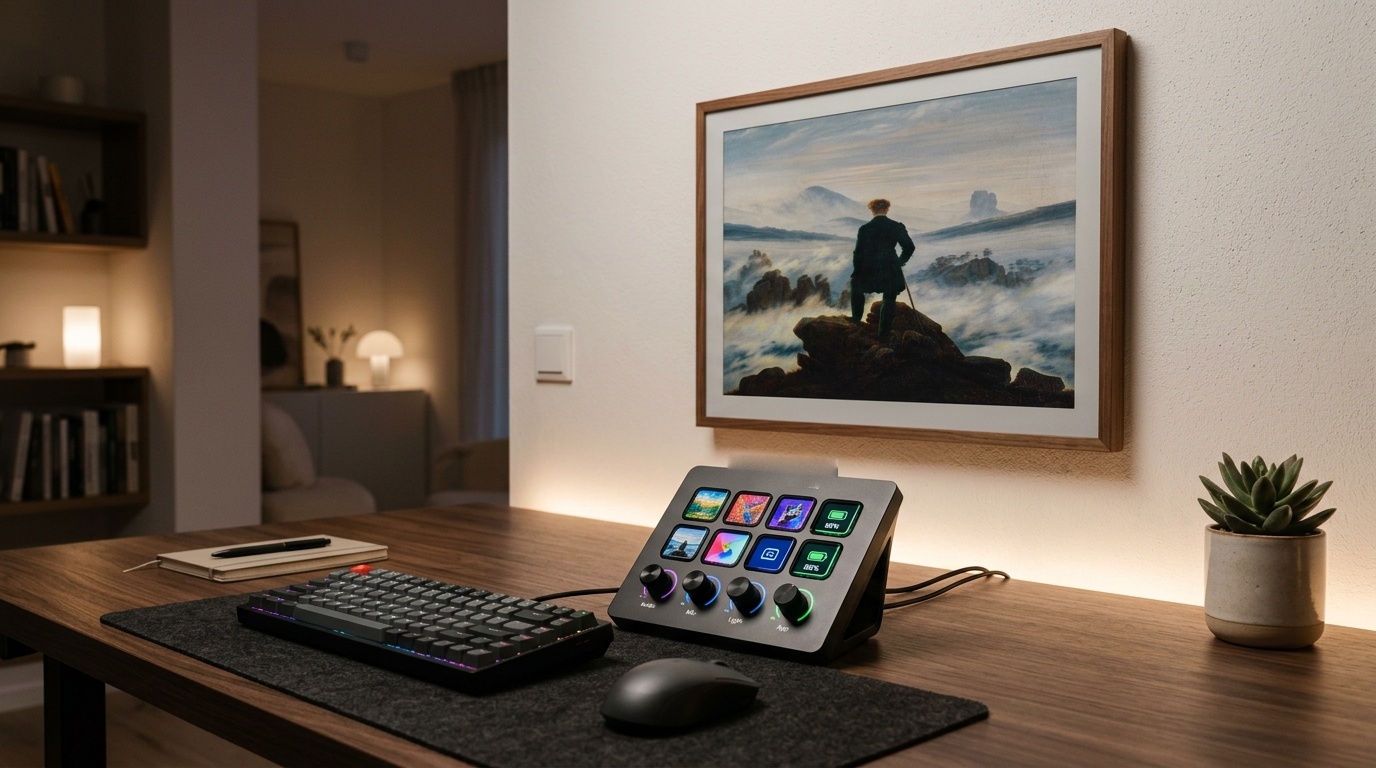
Click the keys below to test how seamlessly the Stream Deck controls the digital canvas in real-time.
From single-touch preset jumps to rotary dial carousels, see how fluid the control feels.
Why settle for clumsy mobile menus? Bring the entire digital exhibition directly to your fingertips.
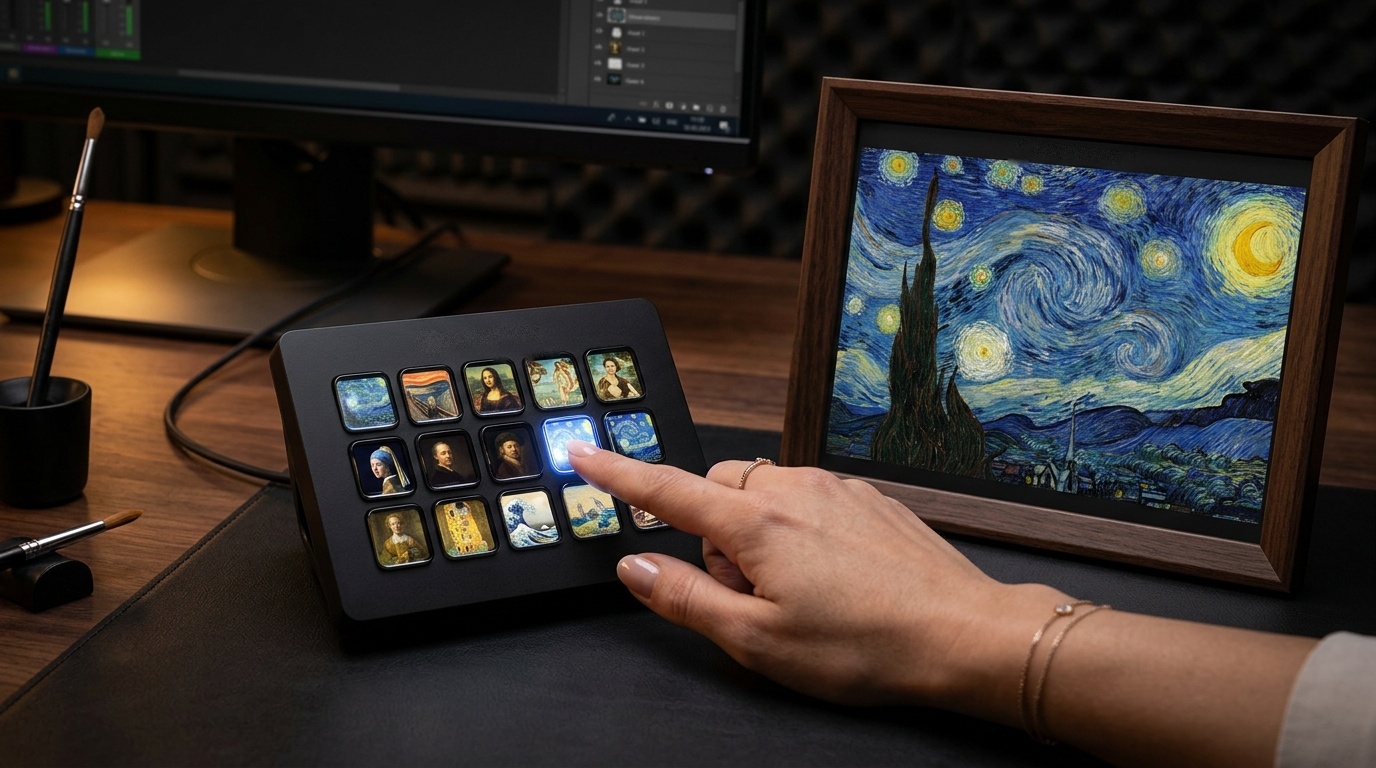
Assign your top 10 paintings, photography, or AI studio creations to dedicated keys. One press immediately instructs the frame to jump to your preferred mood.
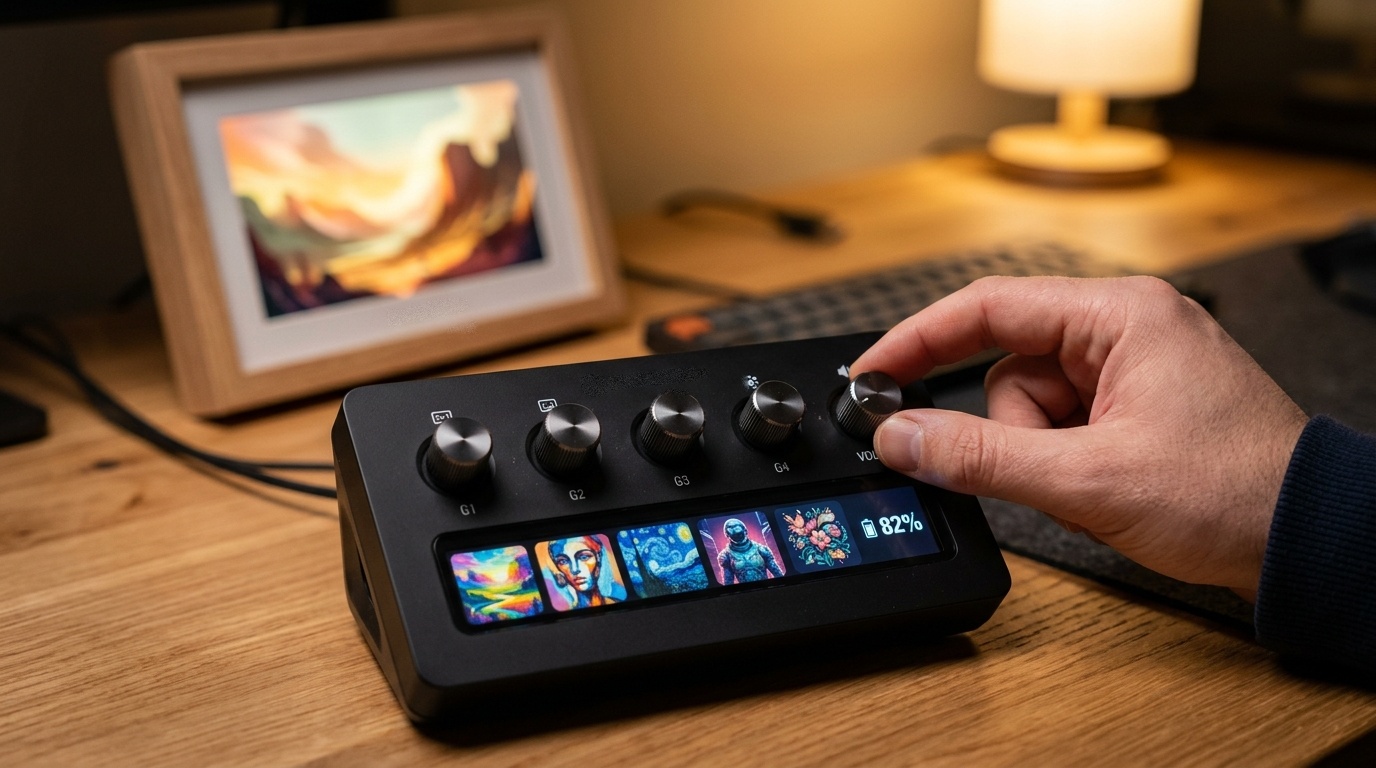
Rotate the tactile knob to smoothly preview recently displayed artworks on the touch strip without triggering battery-heavy frame refreshes until you decide.
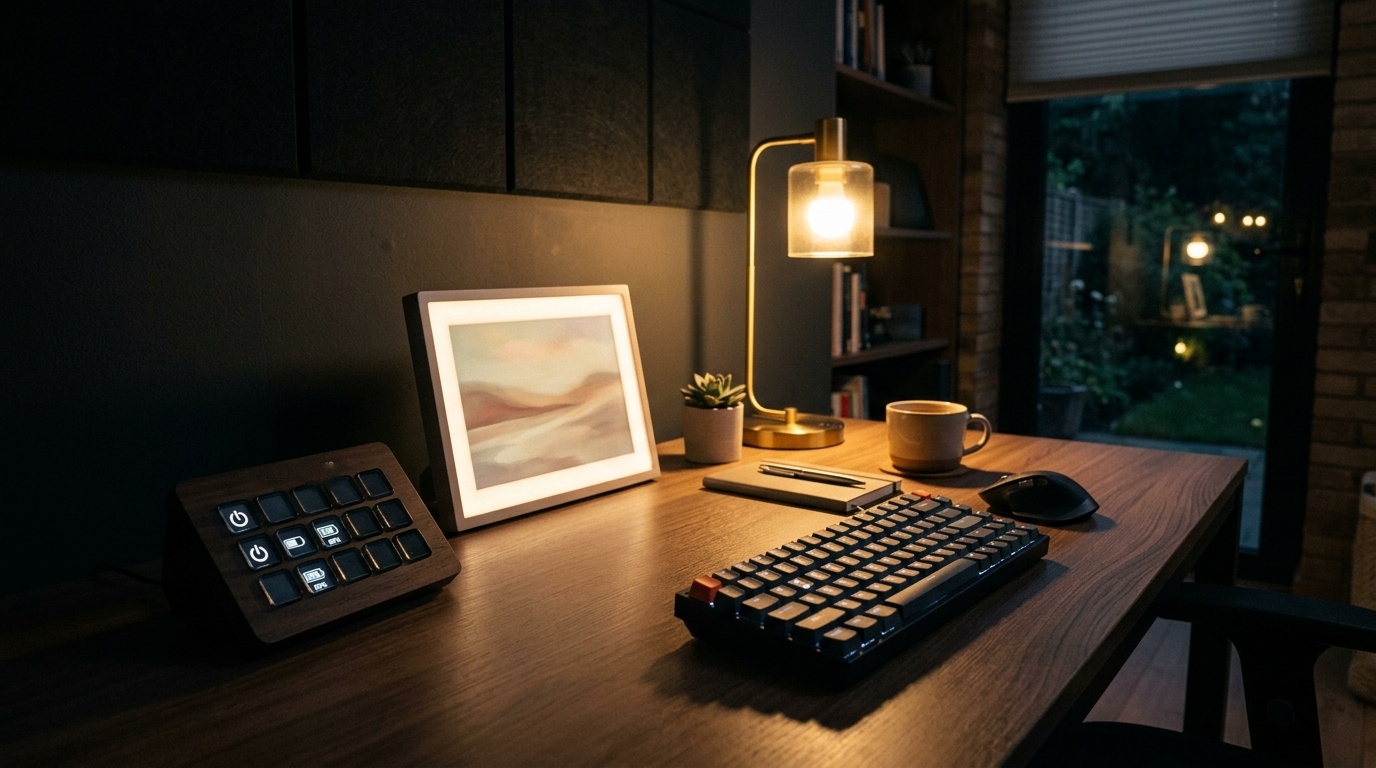
Get instant 1-second visual feedback upon switching artworks, followed by 2.5-second fast tracking and safe 10-second idle polling. Keep tabs on frame battery and active slots without quota exhaustion.
Chain art switches with room lighting, Sonos playlist playback, and focus timers. Switch to energetic pop art for morning sprints and soothing landscapes for evening unwind.
No subscriptions. No cloud fees. Direct single-payment on Elgato Marketplace.
Check the Elgato Marketplace for availability, price, and current terms.
"Switching to my favorite Monet impressionist paintings during morning coffee with just one Stream Deck tap has completely transformed my desk vibe."
"E-Ink refresh takes 10 seconds, so having the 10 direct preset keys instead of cycling forward blindly is an absolute game changer."
"The Stream Deck + dial browsing is pure magic. Rotating the knob to see the filmstrip before applying the artwork is effortlessly satisfying."
Full compatibility across the entire Elgato Stream Deck ecosystem and SwitchBot AI Art Frame sizes.
Unlocks tactile dial filmstrip navigation, touch strip artwork previews, and LCD keys.
Full 8 or 15 key dynamic thumbnails, direct preset jumping, and battery gauges.
From compact 6-key quick switches to 32-key massive digital galleries.
Automatic aspect ratio adjustment prevents distortion on any model size.
Connect securely via official SwitchBot Open API with zero complicated network setup.
Open the SwitchBot App > Profile > Developer Options. Copy your Open Token, Secret Key, and Device ID.
Drag any AI Art Frame action onto your Stream Deck. Paste your credentials into the settings panel.
Your keys immediately synchronize! Press presets to switch artworks or rotate dials to browse history.
No! The plugin communicates directly with official SwitchBot Cloud Open API v1.1 using HMAC-SHA256 signature authentication. All tokens are encrypted and stored locally on your machine via Stream Deck secure storage.
The SwitchBot AI Art Frame uses E Ink Spectra 6™ electronic paper. When you switch images, the screen will exhibit a brief characteristic flicker (around 10–15 seconds) as pigments align, creating a breathtaking non-glare oil-painting effect.
Not at all! Our smart polling mechanism runs every 20 seconds only while art frame keys are actively displayed on your current Stream Deck profile, and automatically sleeps whenever you navigate away.
Yes! Next, Previous, Preset Artwork, and Status actions fully support Multi-Actions. You can integrate them into your morning startup routine, scene transitions, or focus macros.