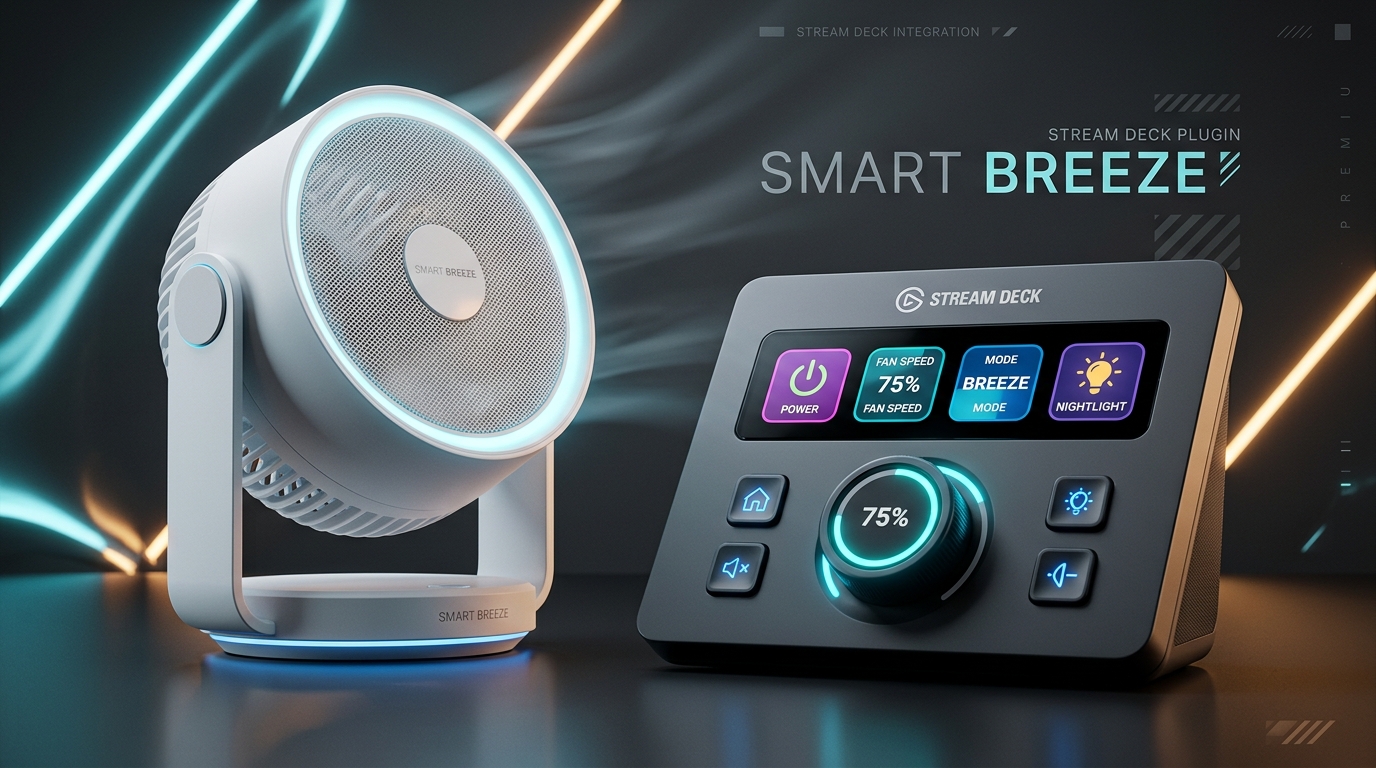
SwitchBot Fan PRO
Tailored for Stream Deck + & Touch Displays

Turn Your Stream Deck into the Ultimate Smart Climate Console

Precision rotary airflow adjustments (1-100%), ambient nightlight dimming, sleep countdown timers, and one-touch comfort scenesโ€”right at your fingertips.

SwitchBot Fan Controller Hero

Interactive Live Experience

Experience the Stream Deck + Dial in Browser

Turn the rotary encoder dial or click presets below to see the virtual fan and touch strip LCD react in real time.

Airflow Status
75% DIRECT
Light: Off
TOUCH STRIP LCD MODE: SPEED
๐Ÿ’จ Speed
75%
Drag slider or click dial to adjust
One-Touch LCD Key Presets

Unmatched Capability

Built for Demanding Workspace & Smart Home Setups

Everything you need to orchestrate your airflow without ever opening an app.

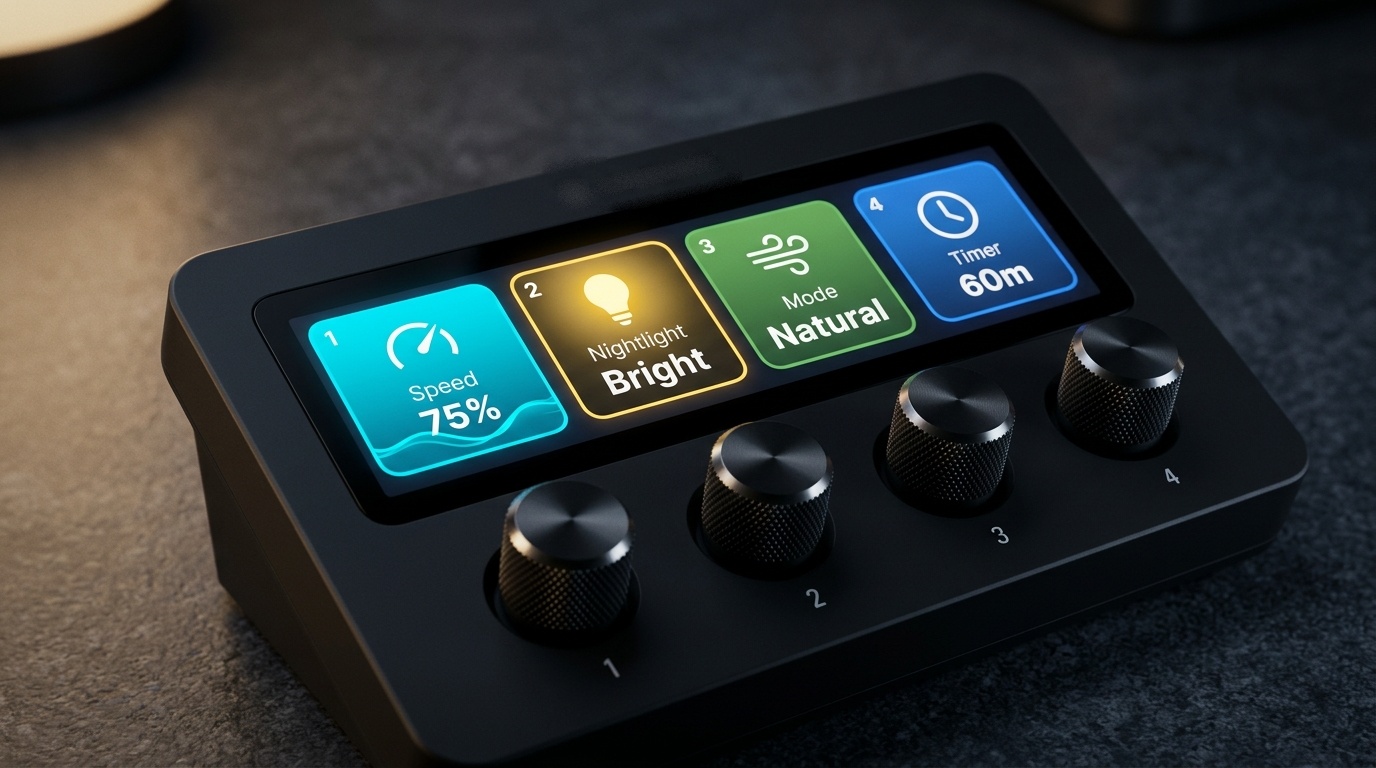
Multi-Mode Dial Control

Stream Deck + rotary dial controls Speed, Nightlight, Mode, and Timer via simple push-to-switch.

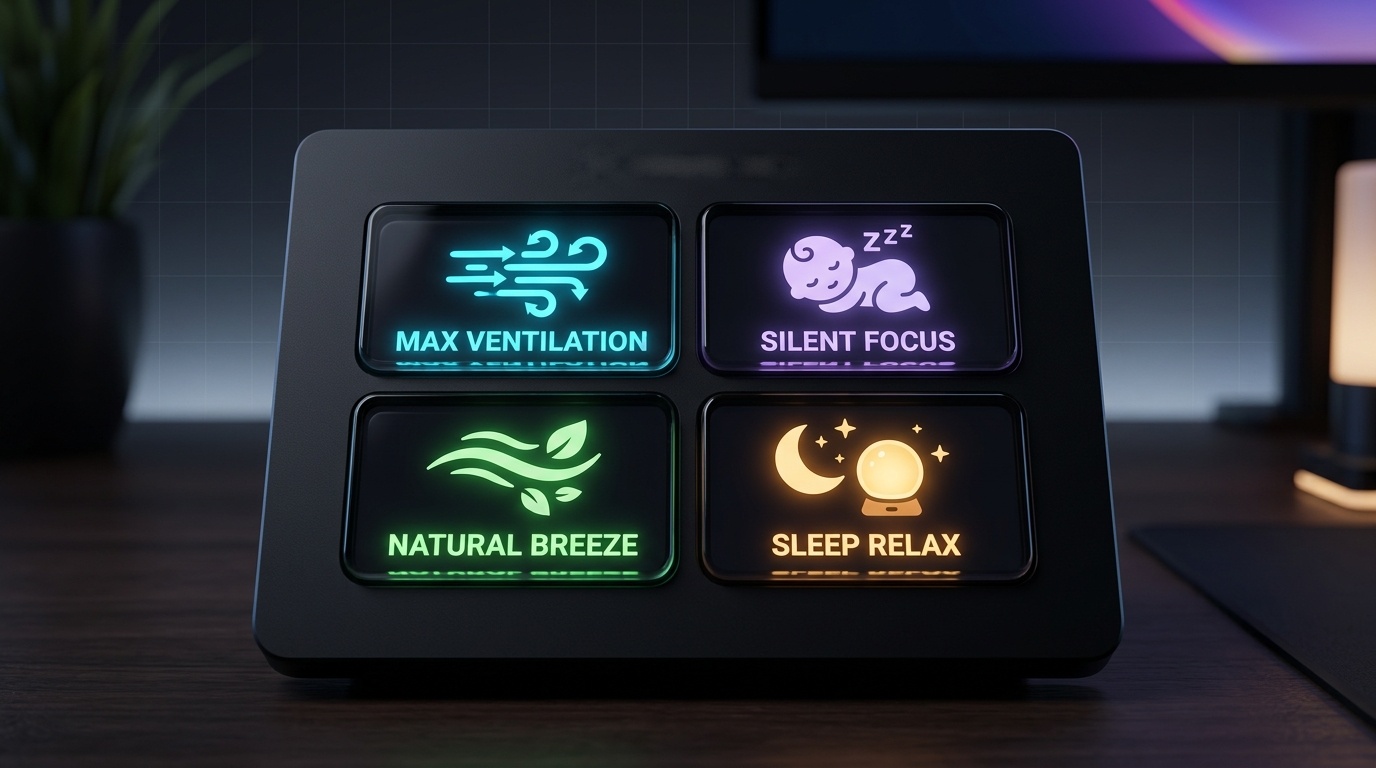
One-Touch Presets

Trigger tailored climate scenes: Max Ventilation (100%), Silent Focus (20%), or Sleep Relax in a single click.

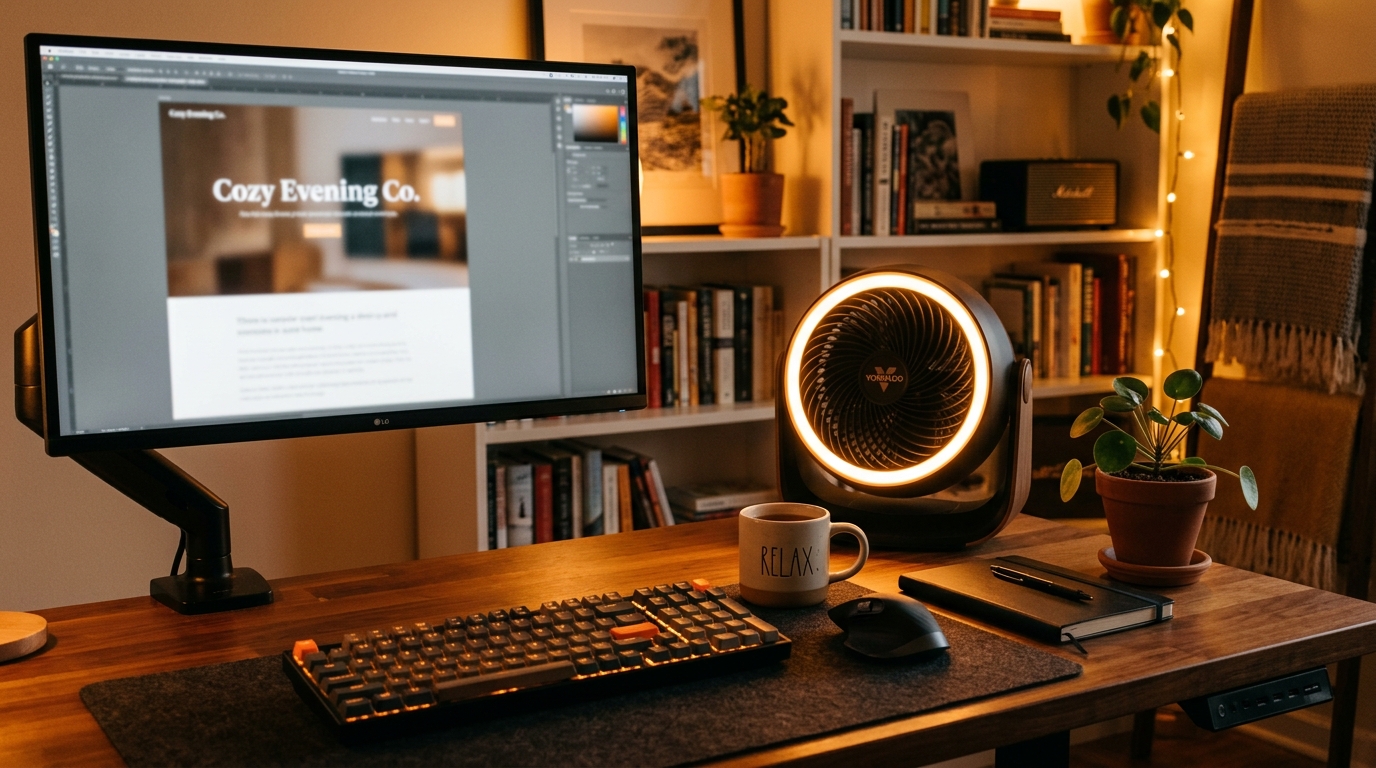
Ambient Nightlight

Smoothly switch between Bright, Dim, and Off. Doubles as an elegant desk ambient lamp or bedside glow.

Smart Off-Timer

Quick countdown timers (15m, 30m, 1h, 2h) with dynamic remaining time rendered directly onto your key LCD.

Crafted for Visual Elegance

See how the plugin integrates seamlessly with your desktop workflow.

Dial Modes
Multi-Mode Rotary Dial

4-in-1 rotary control for Speed, Light, Mode, and Timer.

Preset Keys
One-Touch Comfort Scenes

Instant climate configuration on LCD keys.

Nightlight Ambiance
Ambient Glow

Cozy warm lighting for evening desk hours.

Frictionless Setup

Ready in Under 2 Minutes

01

Get Your Token

In the SwitchBot App, tap Profile > Preferences > tap App Version 10 times to unlock Developer Options and copy your Open Token & Secret.

02

Paste in Stream Deck

Paste your Token, Secret, and Circulator Fan Device ID into the Property Inspector. Credentials stay secure on your local machine.

03

Enjoy Precision Climate

Drag dials, presets, and nightlight buttons to your canvas. Enjoy effortless desk ventilation without touching your phone!

Frequently Asked Questions

Which SwitchBot fan models are supported?

Both the standard SwitchBot Smart Circulator Fan and the Battery Circulator Fan models are fully supported through the SwitchBot Cloud Open API v1.1.

Does it support Stream Deck + rotary dials?

Yes! The plugin features a complete 4-in-1 Multi-Mode dial implementation. You can push the dial or tap the touch strip to switch between Speed (1-100%), Nightlight (Off/Dim/Bright), Wind Mode, and Timer.

Are my API keys and tokens stored securely?

Yes, 100%. All tokens and secret keys are stored exclusively in your local Stream Deck configuration. No user data or credentials are ever sent to third parties.

Is it a one-time purchase or subscription?

It is a one-time purchase on the Elgato Marketplace ($2.99 โ€“ $4.99). No subscription, no recurring fees.